Housecall Pro Alternative: 7 Field Service Apps That Cost Half as Much (2026 Comparison)
Housecall Pro just raised their prices again in February 2026. Their “Core” plan now sits at $149/month per user. Add GPS tracking? That’s another $20 per vehicle monthly. Want sales proposals? Tack on $40 more.
Before you know it, you’re paying $250+ per month for software that should cost half that.
We’ve tested every major Housecall Pro alternative on the market. The good news? There are seven solid options that give you the same features (or better) for 50-70% less money.
Here’s the breakdown.
The Real Cost of Housecall Pro in 2026
Let’s be clear about what you’re actually paying.
Base price: $149/month for the Core plan. Sounds reasonable until you realize what’s NOT included.
Photo documentation? You’ll need CompanyCam at $19-49 per user. Property measurements? GoiLawn runs $67-255/month. Route optimization? Beeline Routes charges $20-50/month.
Do the math. You’re looking at $255-504 per month for a complete system. That’s $3,060-6,048 annually.
Most small trade businesses don’t need enterprise-level software. You need scheduling, invoicing, payment processing, and client management. Maybe some financial reporting.
You don’t need to spend $500/month for that.
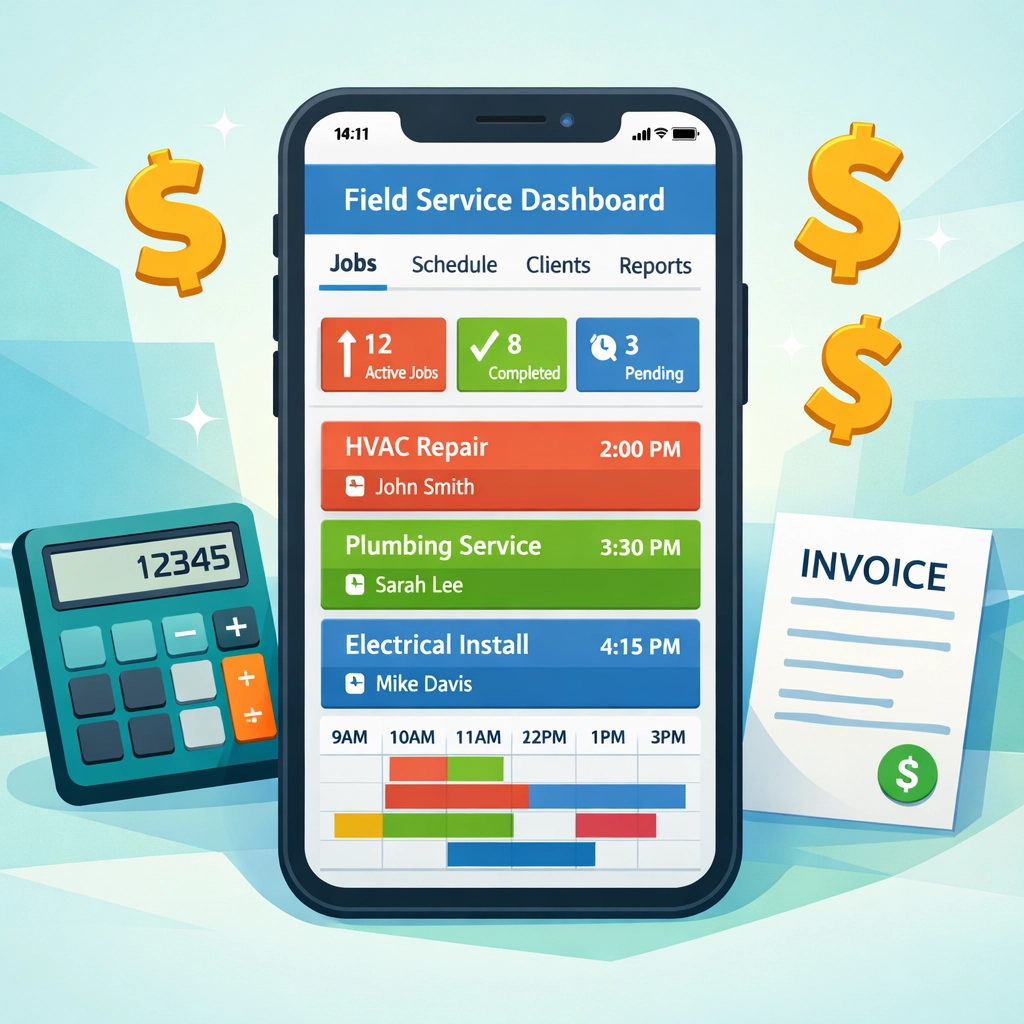
7 Housecall Pro Alternatives That Won’t Drain Your Budget
1. Valortek – Financial Management Built In
We built Valortek specifically for trade businesses that are tired of paying for three separate systems.
No separate accounting software. No separate tax planning consultant. No separate field service app.
Valortek combines scheduling, invoicing, payment processing, AND financial management with tax planning guidance in one platform for $149/month.
You get everything Housecall Pro offers, plus real financial insights that actually help you keep more of what you earn. Quarterly tax estimates. Deduction tracking. Profit margin analysis by job type.
The software pays for itself when you stop overpaying the IRS or scrambling at tax time.
2. FieldFuze – Zero Monthly Fees
FieldFuze takes a different approach. No monthly subscription at all.
They charge 2.9% on processed payments. That’s it. No hidden fees. No per-user costs. No add-ons.
For a business processing $10,000 monthly, that’s $290 in fees. Compare that to Housecall Pro’s $149 base plus payment processing (2.7%) plus add-ons.
Best for: Solo operators or small teams processing lower monthly volumes.
3. Jobber – Transparent Pricing
Jobber starts at $39/month for their entry-level plan.
Mobile job tracking, client automation, and online booking all included. No surprise fees when you need basic features.
Their pricing is straightforward. You know exactly what you’re paying each month. Growth plans scale at $129 and $249, still competitive with Housecall Pro’s bloated pricing.
Best for: Small businesses just getting started with field service software.

4. FieldPulse – AI-Powered Booking
FieldPulse offers something Housecall Pro doesn’t: 24/7 AI appointment booking.
Your customers can schedule themselves any time, day or night. The AI handles questions, confirms availability, and books the job. You wake up to confirmed appointments.
Pricing runs cost-efficient for teams of 1-5, though they don’t publish exact rates publicly. Request a quote and compare it to your current Housecall Pro bill.
Best for: Businesses losing leads after hours or on weekends.
5. QuoteIQ – Bundled Features
QuoteIQ markets itself as the “$2,000 annual savings” alternative.
They bundle photo documentation, property measurement, and route optimization directly into their platform. Everything Housecall Pro makes you pay extra for.
Standard pricing sits around $99-149/month depending on team size, but you’re getting 4-5 tools in one.
Best for: Landscaping, roofing, and exterior service businesses that need property imaging.
6. RazorSync – Offline Functionality
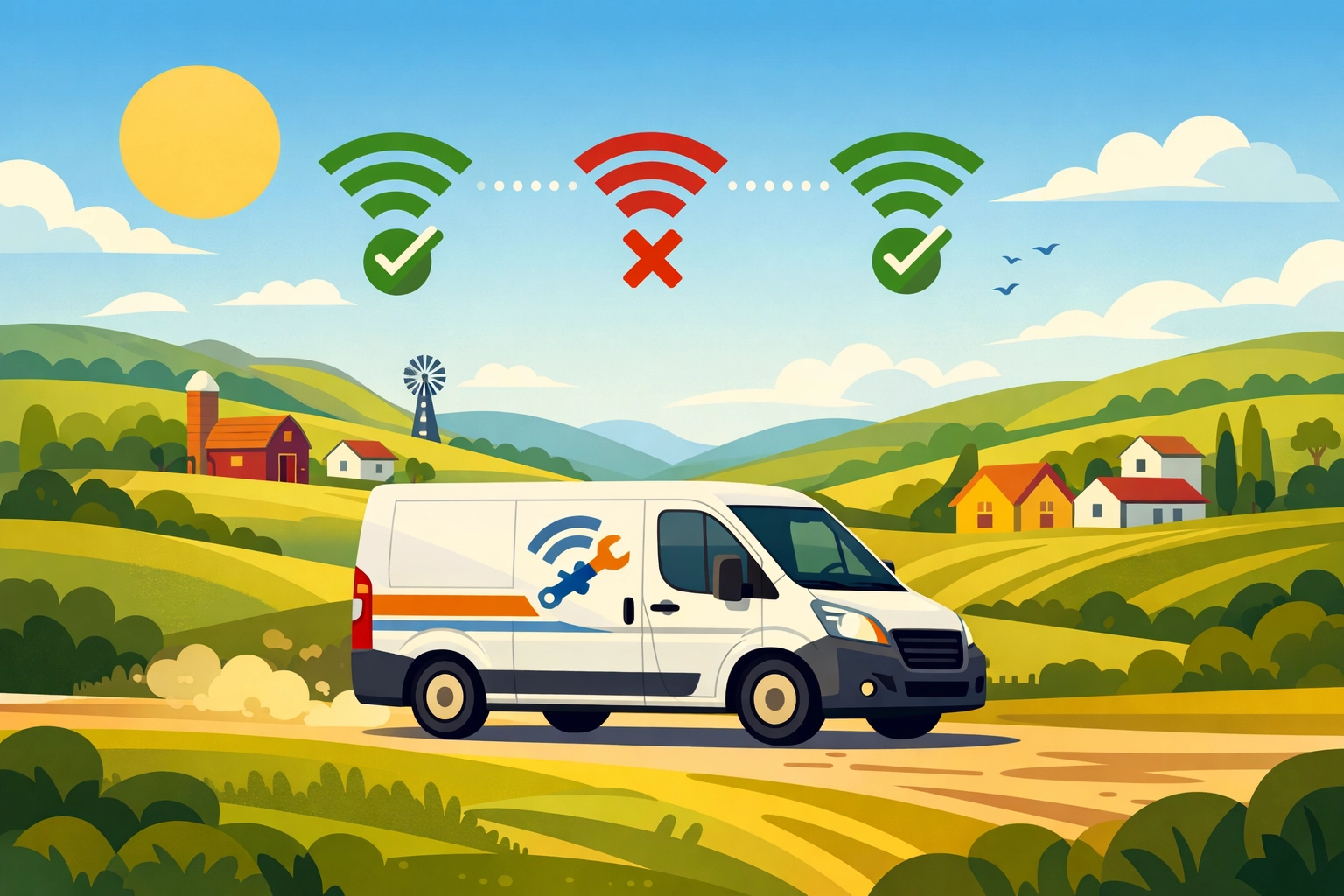
RazorSync built their mobile app for contractors working in areas with spotty cell service.
Full offline mode. Enter job details, collect signatures, process payments: all without internet. Everything syncs when you’re back online.
Pricing is competitive with entry plans under $100/month. The offline capability alone makes it worth considering if you work rural routes.
Best for: Contractors in remote areas or basements with poor connectivity.
7. Kickserv – Simple Organization
Kickserv keeps things simple. Tags, colors, filters: basic organization that actually works.
No bloated feature set you’ll never use. Just clean job management, scheduling, and invoicing that small businesses can figure out in an afternoon.
Pricing starts low and stays affordable as you scale. Their support team actually answers the phone.
Best for: Business owners who want simple software that just works.
What You Actually Need in Field Service Software
Stop paying for features you don’t use.
Here’s what matters for most trade businesses under 10 employees:
Scheduling and dispatch: See your day at a glance. Assign jobs. Send technicians the details.
Mobile access: Your team needs job info on their phones. Customer history, service notes, photos.
Invoicing and payments: Generate invoices on-site. Accept credit cards. Get paid faster.
Client management: Contact info, service history, equipment details all in one place.
Basic reporting: Revenue, outstanding invoices, job completion rates.
That’s it. Most businesses don’t need advanced territory management or 47 different pipeline views.
And you definitely don’t need to pay $300-500/month for it.
The Valortek Difference: More Than Just Scheduling
We’re not just another field service app.
Valortek was built by business consultants who work with trade businesses every day. We saw the same problem repeatedly: owners using three different systems that don’t talk to each other.
One app for scheduling jobs. QuickBooks for accounting. A CPA for tax planning.
That’s three monthly bills. Three logins. Three places where your data lives separately.
We fixed that.
Valortek gives you field service management PLUS the financial tools you need to actually run a profitable business. Real-time profit tracking by job type. Quarterly tax estimates so you’re never caught off guard. Deduction tracking that makes tax time simple.
Your scheduling software should help you make more money, not just stay organized.

Making the Switch From Housecall Pro
Switching software feels risky. We get it.
But staying with overpriced software is riskier. That’s $2,000-4,000 per year you could reinvest in your business. Marketing. Equipment. Hiring help.
Most platforms offer free trials. Test 2-3 alternatives before committing. Import your customer data (every decent platform supports CSV imports). Run them parallel for a week.
You’ll know pretty quickly which system fits your workflow.
The migration pain lasts a week. The cost savings last years.
Your Next Step
Stop overpaying for field service software.
Housecall Pro isn’t bad software. It’s just overpriced for what small trade businesses actually need.
If you want scheduling, invoicing, payments, AND financial management that helps you keep more of what you earn, check out Valortek. We built it specifically for businesses tired of juggling multiple systems.
Book a free demo at valortek.com. We’ll show you exactly how much you can save while getting better financial insights than Housecall Pro ever offered.
Or pick one of the other six alternatives listed above. Any of them will save you money compared to what you’re paying now.
Just stop accepting $300/month as normal. It’s not.
Questions about switching? Contact our team at valortek.com. We’ll walk you through it step by step. No pressure. No sales pitch. Just honest guidance from people who’ve helped hundreds of trade businesses make the switch.
Questions? Contact us – we’re happy to help you decide.
Ready to Transform Your Business?
See how Valortek can help you work smarter, not harder