Best HVAC Scheduling Software for Small Teams: 10 Things You Should Know Before You Buy
Author: Warren Peterson
Category: Operations
You're running a small HVAC team. Your current scheduling system is probably a mess of sticky notes, text messages, and that one dry-erase board in the shop.
You know you need software. But you're looking at price tags like $300+ per month and wondering if you're being ripped off.
You are.
Here's what actually matters when picking scheduling software for your team. No sales pitch. No fluff. Just the stuff that'll save you money and headaches.
1. Most "Top Picks" Cost Way More Than They Should
Let's talk money first.
Jobber and Housecall Pro are the names everyone throws around. They're decent. They also cost between $199 and $349 per month for small teams.
That's $2,388 to $4,188 per year.

For what? A calendar that talks to your phone? Automatic reminders? GPS tracking?
Those are table stakes now. Not premium features.
The software industry loves charging small businesses enterprise prices. They bundle a bunch of features you'll never use and call it "comprehensive."
We're not doing that at Valortek. We built our tools for small teams who need the core features without the bloated price tag. Same functionality. Half the cost.
2. Mobile Matters More Than Desktop
Your techs aren't sitting at a desk. They're in trucks.
If your software doesn't work perfectly on a phone, you're fighting an uphill battle. Your team will resist using it. You'll end up with half the jobs logged and constant back-and-forth calls.
ServiceM8 gets this right. It's mobile-first. Everything works better on a phone than on a computer.
That's how field service software should work in 2026.
Check this before you buy: Download the app. Try to log a job, assign a tech, and send an invoice: all from your phone. If it takes more than 2 minutes or feels clunky, keep shopping.
3. Setup Time Is a Hidden Cost
Some platforms take weeks to set up properly.
FieldEdge is powerful. It's also complicated. You'll need training. Your team will need training. You might need to hire someone just to manage the software.
Small teams can't afford that.

Housecall Pro and ServiceM8 can be up and running in a day. That's what you want.
At Valortek, we designed our onboarding to take under an hour. You plug in your service areas, add your techs, and you're dispatching jobs. No certification courses required.
4. The Features Everyone Has
Here's what every platform will give you:
- Drag-and-drop calendar
- Real-time job updates
- Automatic customer reminders
- Technician assignments
- GPS dispatching
- Basic invoicing
These aren't differentiators anymore. They're the baseline.
Don't let a sales rep act like their GPS feature is revolutionary. It's 2026. Every platform has this stuff.
What matters is how well it works and how much you're paying for it.
5. QuickBooks Integration Isn't Optional
You're probably using QuickBooks. Most small businesses do.
If your scheduling software doesn't sync with it automatically, you're creating double work. Your bookkeeper is going to manually enter every job. That's billable hours you're wasting.
Jobber syncs well with QuickBooks. So does Housecall Pro.
Valortek syncs too. Automatically. Every invoice, every payment, every expense: it flows straight into your books without you lifting a finger.
6. Automation Is Worth Paying For (If It's Actually Good)
Good automation saves you hours every week.
- Customer gets an appointment reminder automatically
- Tech gets the job details and customer history on their phone
- Invoice goes out when the job's marked complete
- Payment reminder sends if they don't pay in 3 days

That's automation worth having.
Bad automation just creates more work. You're constantly fixing mistakes and overriding the system.
Test it in the trial period. Set up a fake job and watch what happens automatically. If it doesn't feel seamless, it's not good enough.
7. Reporting Depends on Your Team Size
If you're running 2-3 techs, you probably don't need advanced analytics.
You know how busy everyone is. You can see the revenue trends. Complex reports are overkill.
But if you're at 5+ techs and planning to grow, you'll want deeper insights. Which tech is most profitable? Which service areas are busiest? Where are you losing money on drive time?
Most small teams overpay for reporting features they'll never use.
At Valortek, we give you what matters: job completion rates, revenue per tech, and customer satisfaction scores. Clean dashboards. No PhD required to read them.
8. Plan for Growth (But Don't Overpay Now)
Here's the trap: Sales reps will tell you to buy the "scalable" enterprise plan now so you don't have to switch later.
Translation: Pay for 10 techs when you have 3.
That's terrible advice.
Buy what you need today. Most platforms let you upgrade when you're ready. If they don't, that's a red flag.
Valortek scales with you. You add users as you hire. Your monthly cost grows with your revenue. Not before.
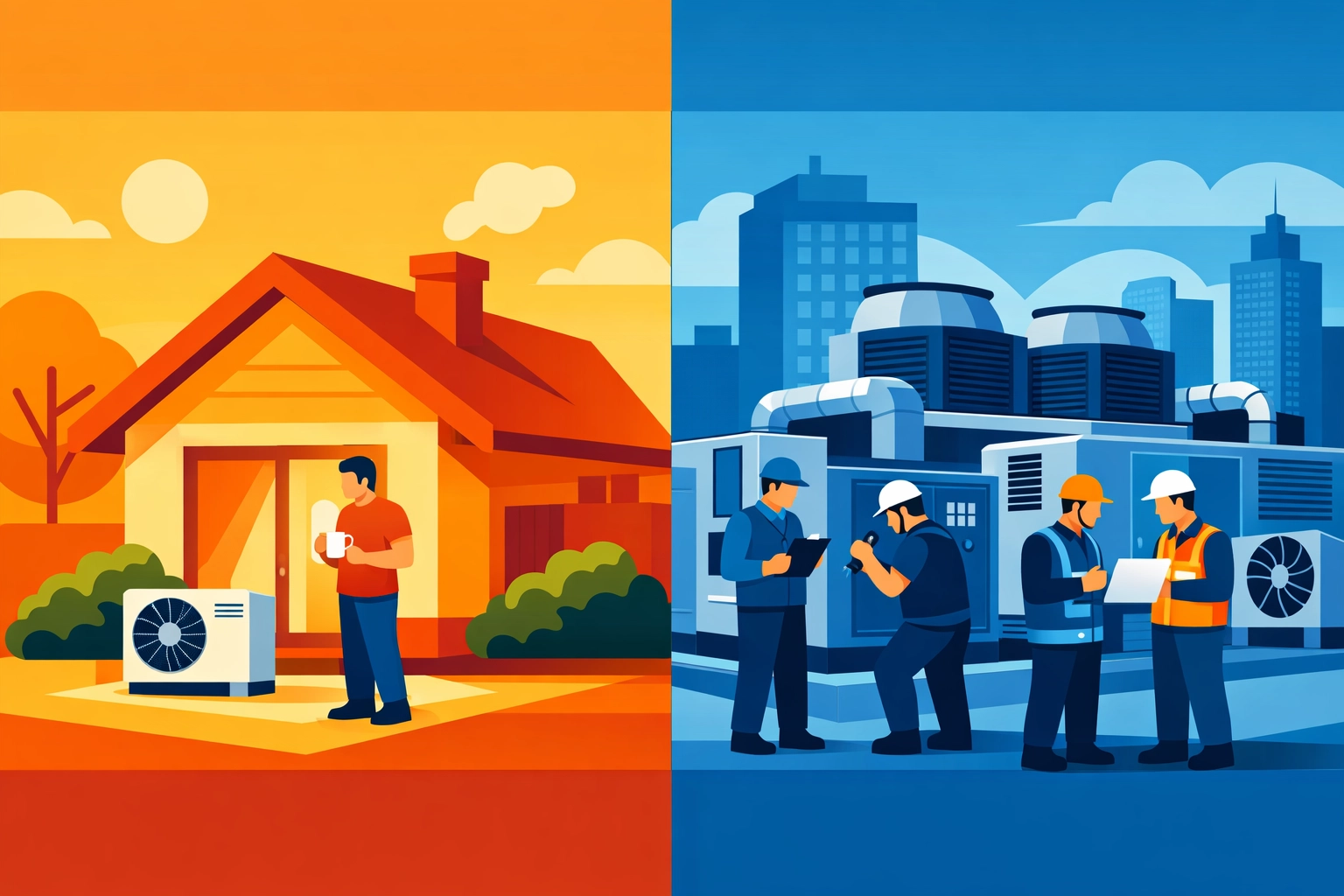
9. Residential vs Commercial Changes Everything
This is huge.
Housecall Pro is built for residential service calls. Quick jobs. Homeowners. Simple invoicing.
If you're doing commercial work: multi-day projects, change orders, complex billing: it'll frustrate you.
BuildOps handles commercial better. But it's expensive and complicated for residential-only shops.
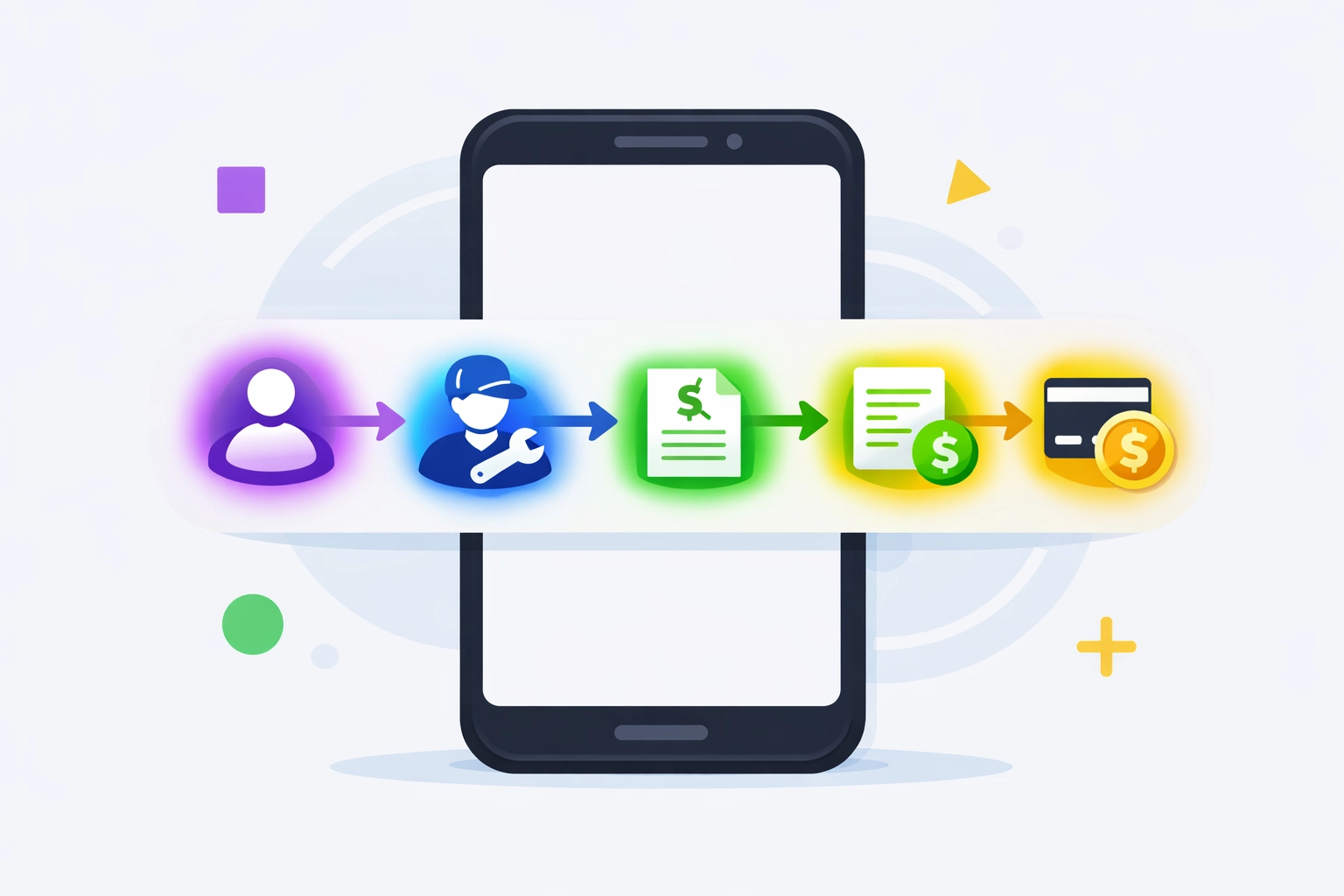
Figure out where 80% of your revenue comes from. Buy software designed for that work.
We built Valortek to handle both. But we're honest about it: if you're 100% commercial with huge projects, there might be better specialized tools out there.
10. Free Trials Are Non-Negotiable
If a software company won't give you a free trial, run.
They're betting you won't actually use the product before buying. That's a bad sign.
Every legit platform offers at least 14 days free. Take them up on it.
During your trial:
- Add 3 real jobs
- Have your techs use the mobile app for a full day
- Run one invoice from start to payment
- Try to pull a simple report
If anything feels broken or confusing, move on. There are too many options to settle for clunky software.
What This Actually Means for Your Business
You're not picking software. You're picking a tool that'll either save you 5-10 hours per week or waste your time.
The big-name platforms aren't bad. They're just overpriced for what small teams actually need.
You don't need enterprise features. You need:
- Easy scheduling
- Mobile that actually works
- Automatic invoicing
- Real-time updates
- QuickBooks sync
That's it.
At Valortek, we're not trying to be everything to everyone. We're building for small HVAC, plumbing, and electrical teams who are tired of overpaying for bloated software.
We charge $149 per month for up to 5 users. Everything included. No hidden fees. No year-long contracts.
If you want to try it, we'll set you up with a 14-day trial. No credit card required.
If you want to stick with Jobber or Housecall Pro, that's fine too. Just make sure you're getting what you're paying for.
Ready to stop overpaying for scheduling software? Check out what we're building at Valortek or reach out directly. We're real people who actually respond to emails.
Questions? Contact us – we're happy to help you decide.
Ready to Transform Your Business?
See how Valortek can help you work smarter, not harder