How to Choose the Best Invoicing Software for Contractors (Without Overpaying or Overcomplicating)
You need to send invoices. You need to get paid. That’s it.
But somehow the software market has convinced contractors they need seventeen features, twelve integrations, and a PhD in accounting software just to bill for a job.
We’re not doing that here.
The Real Problem with Most Invoicing Software
Most contractors pick invoicing software the same way they pick a new truck. They look at all the bells and whistles, get sold on features they’ll never use, and end up paying way more than they should.
Here’s what actually happens:
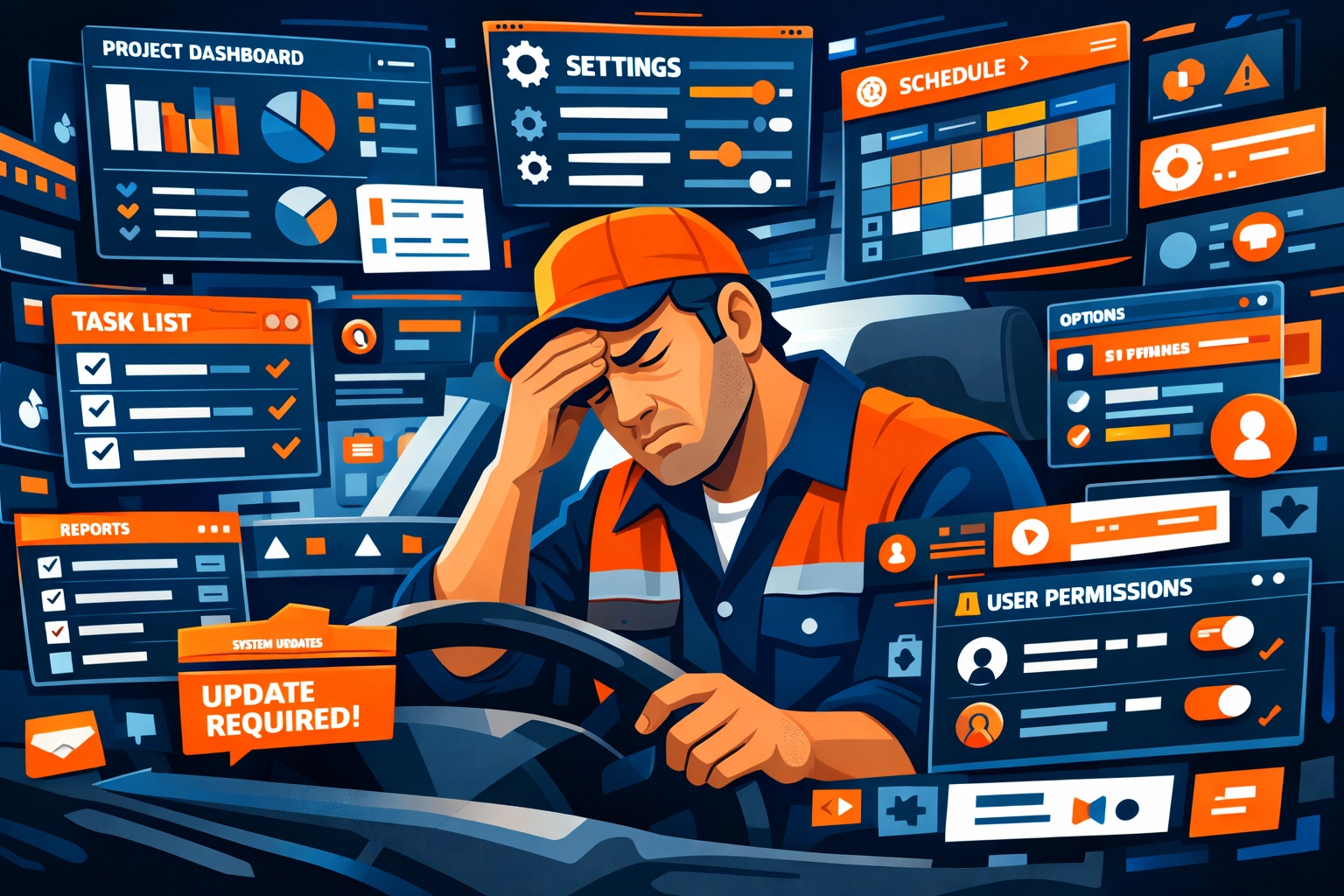
You sign up for the enterprise plan because it sounds professional. You spend three days watching tutorial videos. Your team ignores half the features. You’re still manually entering data six months later.
Sound familiar?
What Actually Matters (And What Doesn’t)
Let’s cut through the noise. You need software that does three things really well:
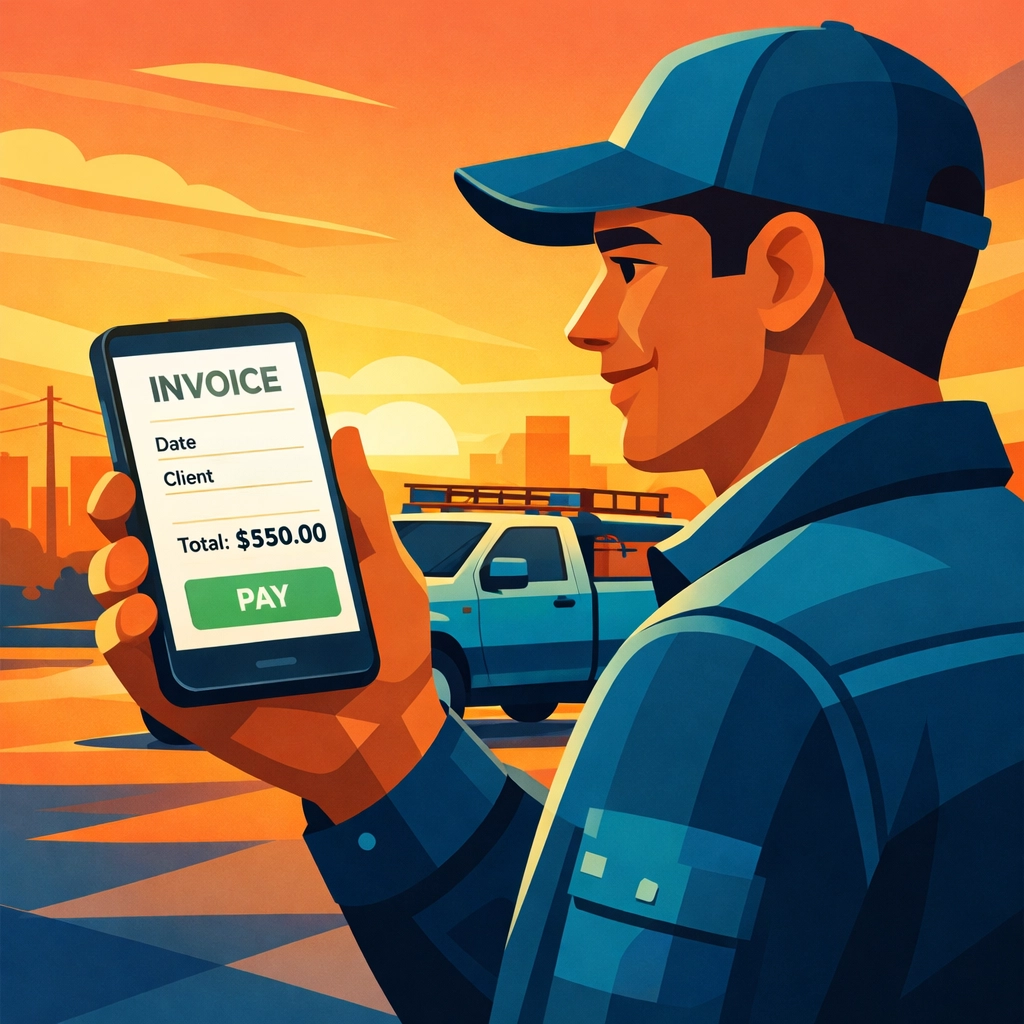
Create invoices fast. From the field. From your truck. Without a manual.
Get you paid faster. Same-day deposits beat fancy reporting every single time.
Stop you from forgetting billable items. Automation that catches what you’d miss manually.
That’s it. Everything else is feature bloat designed to justify higher pricing tiers.
The Simple Breakdown by Business Size
Solo or 1-2 person crew?
You don’t need software built for managing fifty technicians. You need something you can learn in twenty minutes and use from your phone.
Zoho Invoice or Square Invoices work great here. Free tiers available. No credit card required to start. Square gives you same-day deposits if you use their payment processing.
The monthly cost for small operations should be under $50. Period. If someone’s charging you $200+/month for basic invoicing, you’re overpaying.
Small team (3-10 people)?
Now you need something that handles multiple jobs at once and doesn’t require you to manually track who did what.
Jobber and HoneyBook sit in this sweet spot. They’re built for service businesses. Mobile-first. Simple interfaces. Your crew can actually use them without calling you every five minutes.
Pricing runs $29-$109/month depending on team size. That’s reasonable.
Larger contractor company?
If you’re running multiple crews, different locations, or complex job costing, then yeah, you might need something more robust.
But here’s the thing: even then, you probably don’t need the $500/month enterprise solution. Most contractors we talk to are using about 30% of the features they’re paying for.
Start with mid-tier options and only upgrade when you hit actual limitations. Not theoretical ones.
How to Avoid the Overpaying Trap
Match your billing model to the software.
Bill by the hour? FreshBooks automatically generates invoices from tracked time. Makes sense.
Project-based billing? You need something that handles milestones and deposits without making you create three separate invoices.
Don’t pay for time-tracking features if you bill flat-rate. Don’t pay for inventory management if you’re a service-only business.
Calculate the real monthly cost.
Some software looks cheap until you factor in payment processing fees. Square charges 2.9% + $0.30 per transaction. If you invoice $10,000/month, that’s $320 in fees on top of any subscription cost.
Other platforms bundle everything into one monthly price. Neither approach is wrong, just know what you’re actually paying.
Run the math based on your typical monthly invoice volume. The “cheaper” option isn’t always cheaper.
Test before you commit.
Most decent software offers a free trial or free tier. Use it.
Actually create invoices. Send them to yourself. Try using it from your phone in your truck. Get your crew to test it if they’ll be using it.
If you’re confused after an hour, your team will hate it after a week.
The Features That Actually Save You Money
Automation that reduces data entry.
The best invoicing software pulls job data automatically. You schedule a job, your crew completes it, and the invoice populates itself.
Fieldy does this well for field service contractors. Job completion triggers invoice creation. Your crew isn’t manually entering line items.
This matters because manual entry is where money gets lost. Forgotten materials. Missed labor hours. The small stuff that adds up.
Mobile-first design.
If your crew can’t easily use it from their phones, they won’t use it at all. Then you’re back to paper tickets and manual entry.
Look for software designed for field work first, office work second. Not the other way around.
Simple approval workflows.
For teams, you need a way to review invoices before they go out. But you don’t need a six-step approval process with committee oversight.
One person reviews, one click approves, invoice sends. That’s it.
Common Mistakes We See All the Time
Buying software designed for accountants when you need software designed for contractors.
QuickBooks is great accounting software. But it wasn’t built for field service. You’ll spend time configuring it to work the way you work.
Contractor-specific software works out of the box. Less configuration. Less frustration.
Choosing based on features instead of workflow.
That impressive feature list doesn’t matter if it makes your actual invoicing process slower.
Ask yourself: will this help me get invoices out faster? Will my crew actually use it? Will I get paid quicker?
If the answers aren’t yes, keep looking.
Paying for integrations you don’t use.
“But it integrates with seventeen other platforms!” Cool. Do you use any of those seventeen platforms?
Integrations only matter if they connect tools you’re already using. Otherwise, it’s marketing talk.
The Decision Framework
Here’s how to choose without overthinking it:
- Write down your actual needs (not wants)
- Set a realistic monthly budget based on team size
- Test 2-3 options that fit both criteria
- Pick the one your team finds easiest
- Start using it
That’s it. Don’t spend three months researching. Don’t create a forty-point comparison spreadsheet.
Pick something good enough and start invoicing. You can always switch later if needed.
Most contractors never switch because they overthink the initial choice and end up paralyzed. Then they stick with whatever they picked first because switching feels like too much work.
The Bottom Line
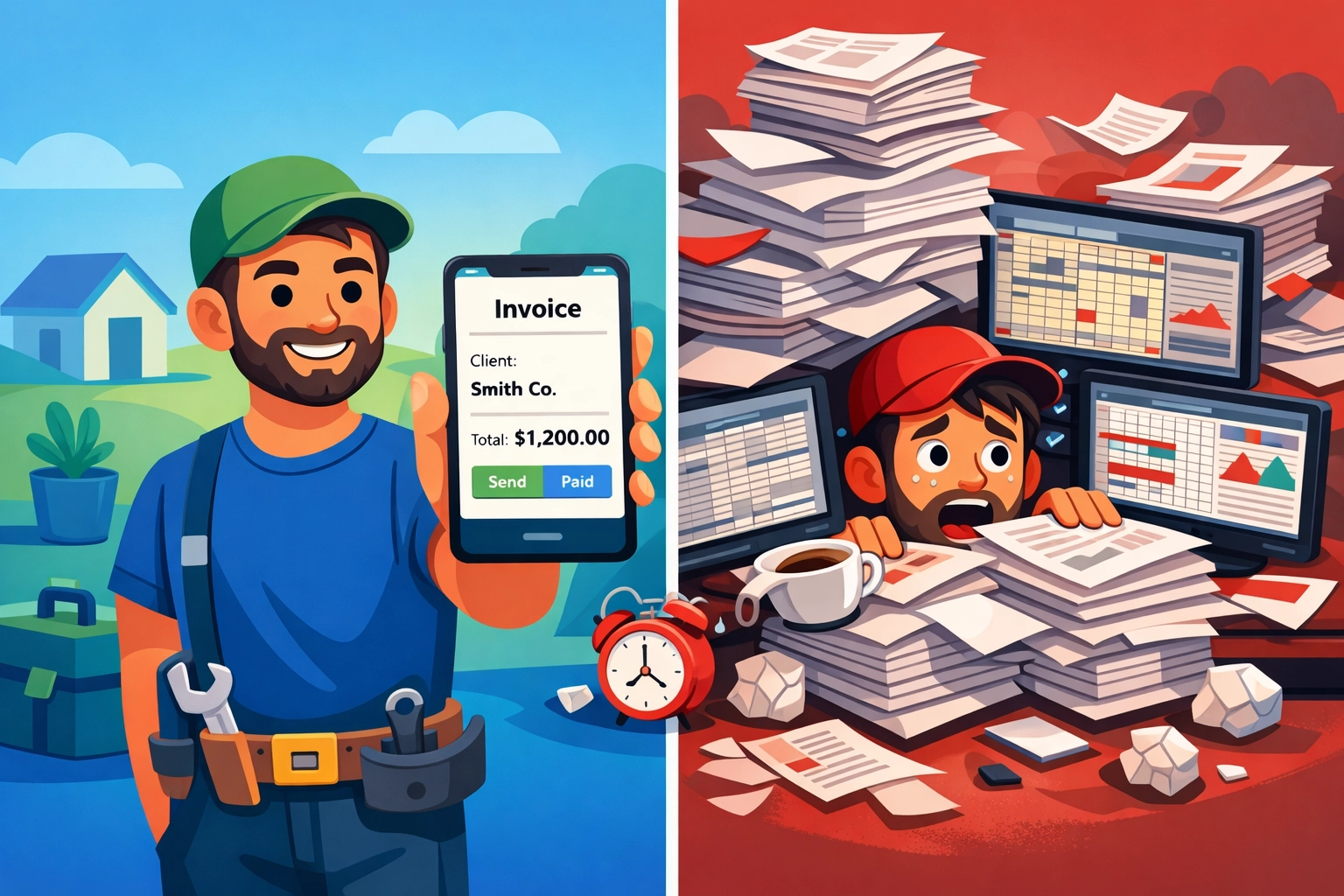
Good invoicing software should make you money, not cost you time.
It should be simple enough that your crew uses it. Fast enough that you send invoices same-day. Automated enough that you stop leaving money on the table.
Everything else is optional.
Start with the simplest solution that meets your actual needs. Not your imagined future needs. Not what the biggest contractor in your market uses.
Your actual needs. Today.
You can always add complexity later. You can’t get back the time you waste on overly complicated software now.
Questions? Contact us – we’re happy to help you decide.
Ready to Transform Your Business?
See how Valortek can help you work smarter, not harder