Field Service Management Software for 1–10 Employees: What are reasonable prices for a subscription service?
You have a locksmith business with four techs. Or maybe you run a three-person HVAC crew. You need software that schedules jobs, sends invoices, and tracks who’s where.
Simple, right?
Then you start shopping. And the pricing makes your head spin.
$29 per user. Plus processing fees. Plus the “premium” features that should be standard. Plus the texting add-on. Plus, plus, plus.
Suddenly your $99/month estimate turns into $400/month. For a team of five people.
That’s the game most field service software companies play. We’re breaking it down so you can spot the traps and find something that actually fits a small operation.
The Per-User Pricing Trap
Here’s how they get you.
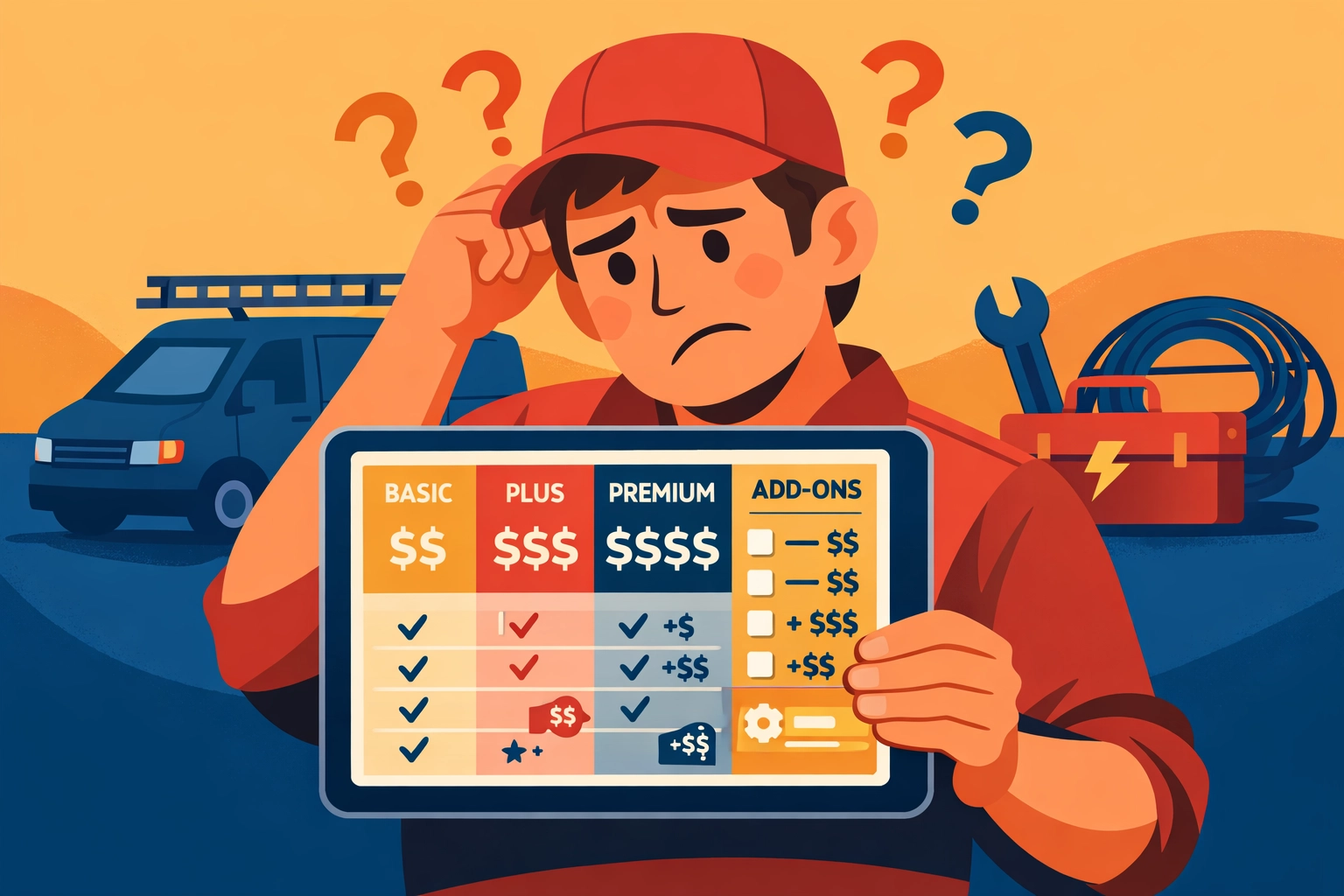
They advertise “$29/month” in huge letters. You think that sounds reasonable. Then you read the fine print: per user, per month.
You’ve got six people who need access. That’s $174/month before you’ve even turned on a single feature.
Then they hit you with the add-ons. Want two-way texting? That’s another $50. Payment processing? Another 3% plus fees. Advanced reporting? Move up to the $49/user tier.
Now you’re at $350/month. For basic scheduling and invoicing.
For a 1-10 employee business, per-user pricing is designed to maximize what you pay as you grow. It punishes success.
What Actually Matters for Small Teams
You don’t need enterprise dashboards. You don’t need AI-powered insights. You definitely don’t need a “customer success manager.”
You need five things:
Scheduling that doesn’t suck. See who’s booked, drag jobs around, done. No seven-step process to move an appointment.
Invoicing you can send from your truck. Close the job, tap three times, invoice is in the customer’s inbox. Payment link included.
Job tracking that shows you what’s happening. Who’s on the clock. Who’s late. What jobs are still open. One screen.
No hidden fees for basic features. Texting customers shouldn’t cost extra. Neither should accepting credit cards (beyond standard processing). If it’s essential to running a field service business, it should be included.
A price that makes sense. Flat monthly rates. Not per-user. Not tiered based on arbitrary feature bundles you’ll never use.
That’s it. Everything else is noise.
The “Free Plan” Illusion
Let’s talk about the free options because they sound tempting.
Kickserv and Workiz both offer $0/month plans. And they’re not terrible for solo operators testing the waters.
But here’s what you lose:
Limited jobs per month. Limited customer records. Limited team members (usually just one or two). No integrations. Stripped-down mobile apps.
The free plan is bait. It gets you in the door, gets you reliant on the system, then forces you to upgrade the moment you hire your second employee or book your 26th job of the month.
At that point, you’re paying $100-200/month anyway. And you’ve already done all the setup work, so switching feels impossible.
Free isn’t free if it costs you time migrating later.
What “Flat Pricing” Actually Costs
Jobber advertises $49/month. Housecall Pro says $65/month.
Sounds great until you realize that’s just the base tier. Here’s what you don’t get at those prices:
- Jobber’s $49 plan limits you to one user and 20 clients. Want your whole team on there? That’s $249/month for up to 15 users.
- Housecall Pro’s $65 plan is also single-user. Add your team and you’re at $229/month for their “Essentials” plan.
The advertised price is functionally useless for any business with employees.
This is the game. Show you a low number. Make you click. Reveal the real price three screens later.
The Real Cost Breakdown (Be Honest Math)
Let’s do real math for a five-person team across the main players:
Housecall Pro: $229/month for up to 15 users. Plus 2.7% + $0.10 per credit card transaction.
Jobber: $249/month for up to 15 users. Plus their payment processing fees (2.9% + $0).
ServiceTitan: Don’t even bother. They don’t list pricing publicly because it’s custom enterprise pricing. Think $500-2,000+/month depending on features and users.
Workiz: Around $149/month for unlimited users after you outgrow the free plan.
Kickserv: $89/month for up to 5 users.
Now compare that to straightforward pricing: $99/month for your entire operations setup. Scheduling. Invoicing. Job management. Customer tracking. Mobile access.
No per-user fees. No surprise upgrades. No “contact sales for a quote.”
Just $99/month. Whether you’ve got two employees or ten.
What This Actually Looks Like in Practice
You’re a three-person appliance repair outfit. You book 80-100 jobs a month. You need to schedule them, show up on time, bill quickly, and get paid.
With per-user pricing: You’re paying $87-150/month just for user seats. Then add processing fees. Then add the texting bundle because customers expect updates. You’re at $200+/month.
With flat pricing that actually includes what you need: You’re at $99/month. Period.
Over a year, that’s $1,200 saved. For a small business, that’s real money.
You can hire a part-time admin. Buy another van. Take your team to lunch every month. Actually invest in growth instead of feeding software companies.
The Features Nobody Talks About (But You Actually Use)
Everyone lists the same boring features. Scheduling ✓ Invoicing ✓ Mobile app ✓
Here’s what matters day-to-day:
Can you text a customer from inside the job without switching apps? Most systems make you jump to a separate messaging panel or use a third-party integration.
Can your tech close a job and collect payment on-site without cell service? Offline mode matters when you’re in a basement.
Can you duplicate last month’s invoice in two taps? For recurring maintenance contracts, this saves hours.
Does the calendar actually sync with Google/Apple without weird delays? Half the platforms claim “sync” but it’s a 15-minute lag that causes double-bookings.
Can you see profit per job without running a custom report? If you can’t see your margin in real-time, you’re flying blind.
These are the details that separate “works on paper” from “works in your truck.”
For Locksmiths, Plumbers, HVAC, Electricians, and Appliance Repair
Each trade has quirks.
Locksmiths need fast emergency dispatch and mileage tracking for service calls spread across town.
Plumbers need photo documentation for before/after and easy parts ordering integration.
HVAC teams need maintenance contract tracking and seasonal scheduling.
Electricians need detailed job notes for permit compliance and multi-day project tracking.
Appliance repair needs service history per appliance (not just per customer) and warranty tracking.
Generic field service software treats everyone the same. You end up hacking together workarounds or paying for customization.
Better option: software built for how trade businesses actually operate, not how software companies think you should operate.
What to Avoid (Red Flags in the Sales Process)
If they do any of these, run:
- “Let me connect you with our sales team to discuss pricing.” Translation: We’re going to negotiate based on how desperate you seem.
- “Our enterprise plan includes…” You’re not an enterprise. You’re ten people in trucks.
- “Most customers also add our Premium Texting Bundle.” If texting is extra, everything else will be too.
- Free trial that requires a credit card upfront. They’re betting you forget to cancel.
- Contract minimums longer than month-to-month. You should be able to leave anytime if it’s not working.
Good software sells itself. It doesn’t need a sales team to convince you.
The Bottom Line
You don’t need software that does everything. You need software that does the essential things well and doesn’t punish you for growing.
Per-user pricing is designed to extract maximum revenue as you hire. Tiered plans are designed to upsell you every quarter. Free plans are designed to trap you.
Flat pricing for 1-10 employees is rare because it’s harder for software companies to scale revenue. But it’s honest. And it’s what small trade businesses actually need.
$99/month. Full operations platform. No user limits. No surprise fees.
That’s the model that makes sense when you’re trying to run a business, not fund a software company’s growth targets.
If you’re tired of pricing games and want straightforward tools that just work, we built our Operations app for exactly that.
No sales calls. No custom quotes. No nickel-and-diming.
Just tools that help you schedule jobs, send invoices, and get paid. For one flat price.
Check it out at valortek.com or reach out if you have questions. We’re real people building for real businesses.
Questions? Contact us – we’re happy to help you decide.
Ready to Transform Your Business?
See how Valortek can help you work smarter, not harder